Gimmick Reference
This page summarizes the role of each gimmick included in LuminousOasis and where to configure it.
About AreaCullinger
This is a culling gimmick mainly intended for elements such as Canvas objects that are not affected by Occlusion Culling. When the player leaves the trigger range, the Canvas is hidden to reduce load.
It is configured to help control performance in large scenes such as OasisPlus.

About LightVolumeTrigger
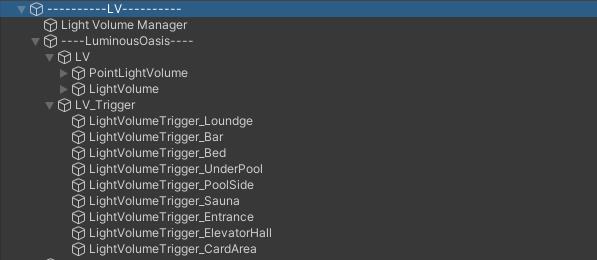
This controls the brightness of PointLightVolume within the trigger range. Entering the trigger turns the PointLightVolume on, and leaving it turns it off.
About LurasVoiceShutter
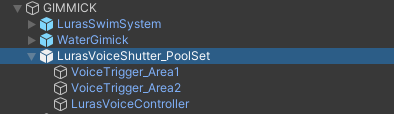
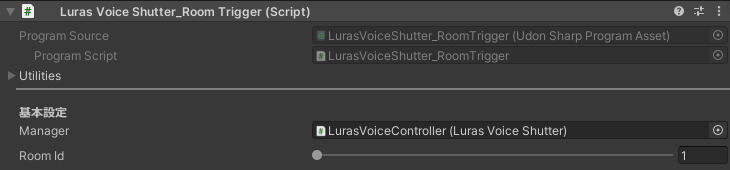
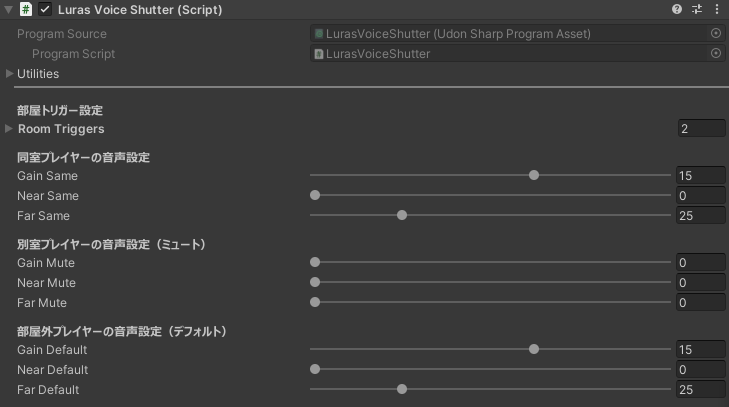
This gimmick separates voices by area. By placing a VoicesTrigger_Area with a specified RoomId, you can control how voices are heard. By default, voices are muffled in the lounge and sauna.
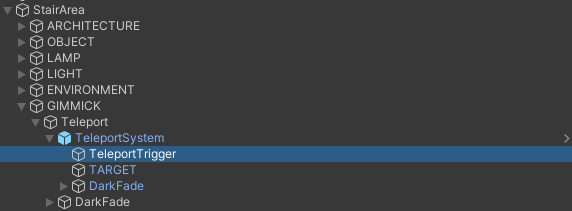
About TeleportSystem
The stair area contains teleport triggers. In the standalone LuminousOasis scene, they are inactive by default.
When you enter the range of TeleportTrigger, you are moved to TARGET.
About the elevator gimmick
The sample scene containing only the elevator is located here:
Assets/QuickBrown/LuminousHotel/FullPack/3DASSET/04_GIMMICK/Elevator/SCENE
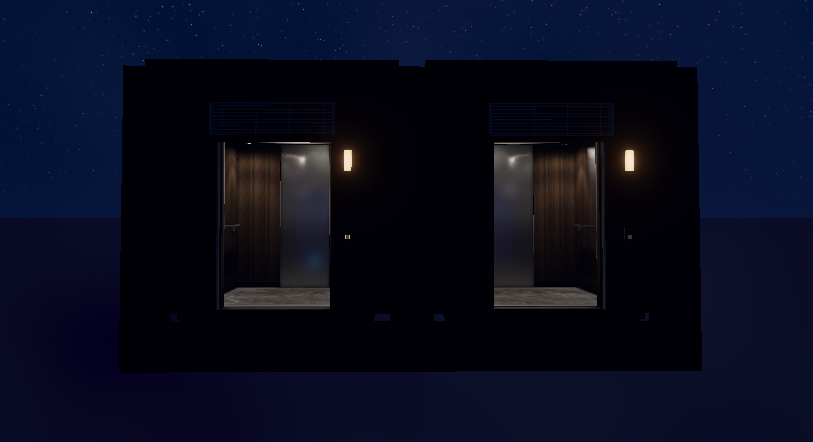
If the spawn point is at the center of the elevator, in other words at the position of teleportTarget, the door opens when joining.
The Elevator_Floor script identifies each elevator, and ElevatorManager manages them.
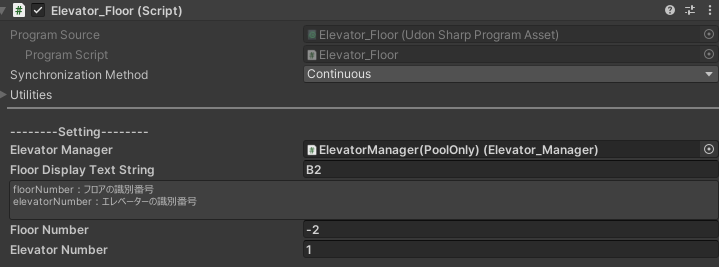
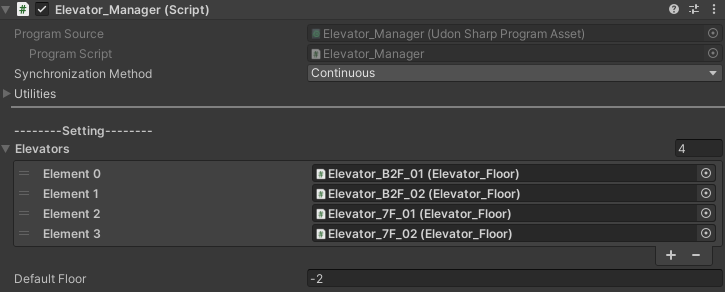
FloorNumberis the identifier for the floor.ElevatorNumberis the identifier when there are multiple elevators.- Each elevator must be registered in
ElevatorManager. - Each switch must connect to
ElevatorManagerand specify the destination elevator by ID when pressed.
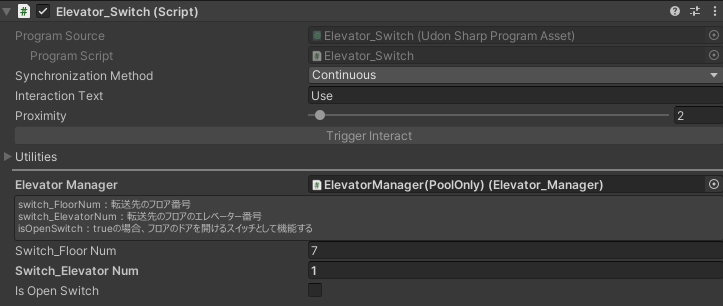
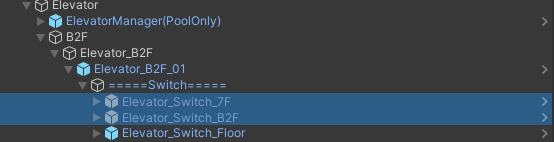
In the standalone LuminousOasis scene, a 7F elevator is prepared so you can connect the elevator to another area while customizing.
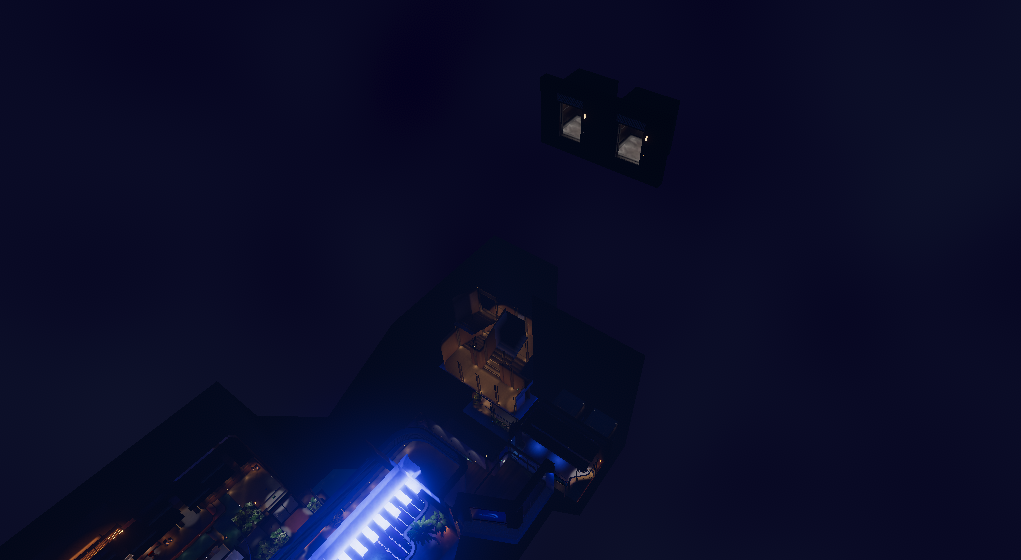
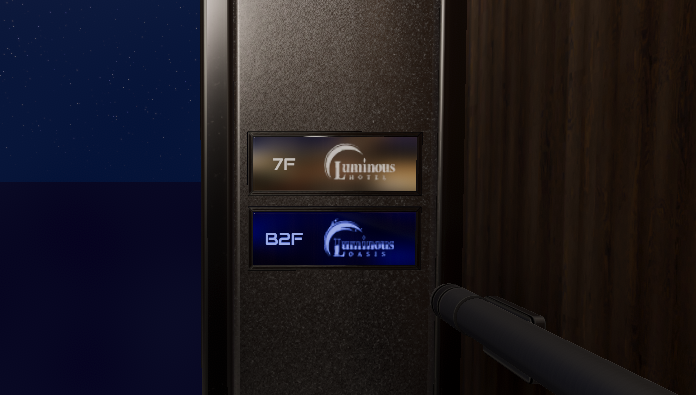
By default, the switch inside the elevator in the B2 area is inactive because it is not used. Enable it if you want to use it.
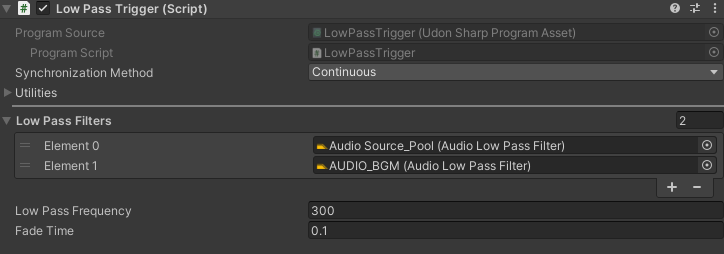
About LowPassTrigger
LowPassTrigger controls the AudioLowPassFilter attached to an AudioSource.
When the player enters the trigger, the value changes to the specified amount so the sound becomes muffled and occluded.

About mirrors and switches
This world uses LuraSwitch2.
For detailed usage, please refer to the LuraSwitch2 documentation.