LuminousOasis Quick Start Guide
Thank you for purchasing LuminousOasis.
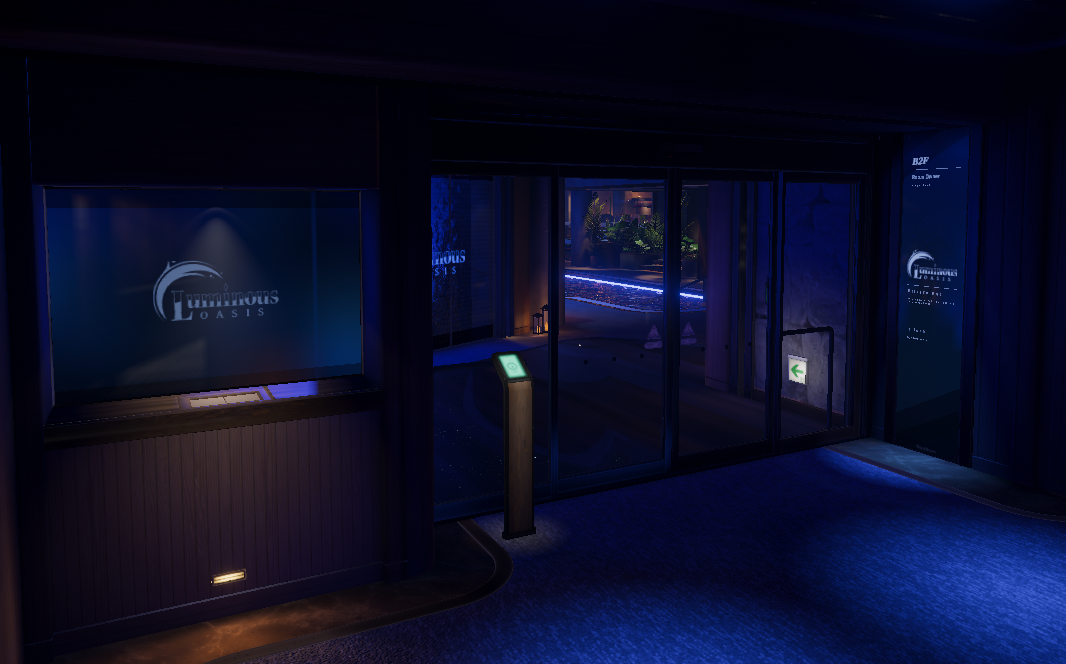
This document explains the following topics:
- Installing the prerequisites
- Configuring RoomOwner
- Setting up BGM
- Setting up the video player
- Uploading the world
- Quest support
Customize the world to your own taste and enjoy LuminousOasis with your friends.
Important notes before you begin
LuminousHotel versions before 2.0 are not compatible
If you install LuminousOasis into an existing LuminousHotel project from before version 2.0, compatibility issues may break the scene or its settings data. Always create a new project before setting up LuminousOasis.
Recommended reading order
- Continue with Setup and Installation to create the project and open the scene
- Go to Initial Scene Setup to configure RoomOwner, BGM, and the video player
- Move on to Upload and Quest Support to prepare the world for publishing
- Review FAQ for common setup issues
- Use Gimmick Reference to understand each gimmick and where to adjust it